Set up your brand
Go from sign-up to your first inspection in about ten minutes.
Your brand is your company's space in Passvu. Your stores, checklists, team and billing all live there.
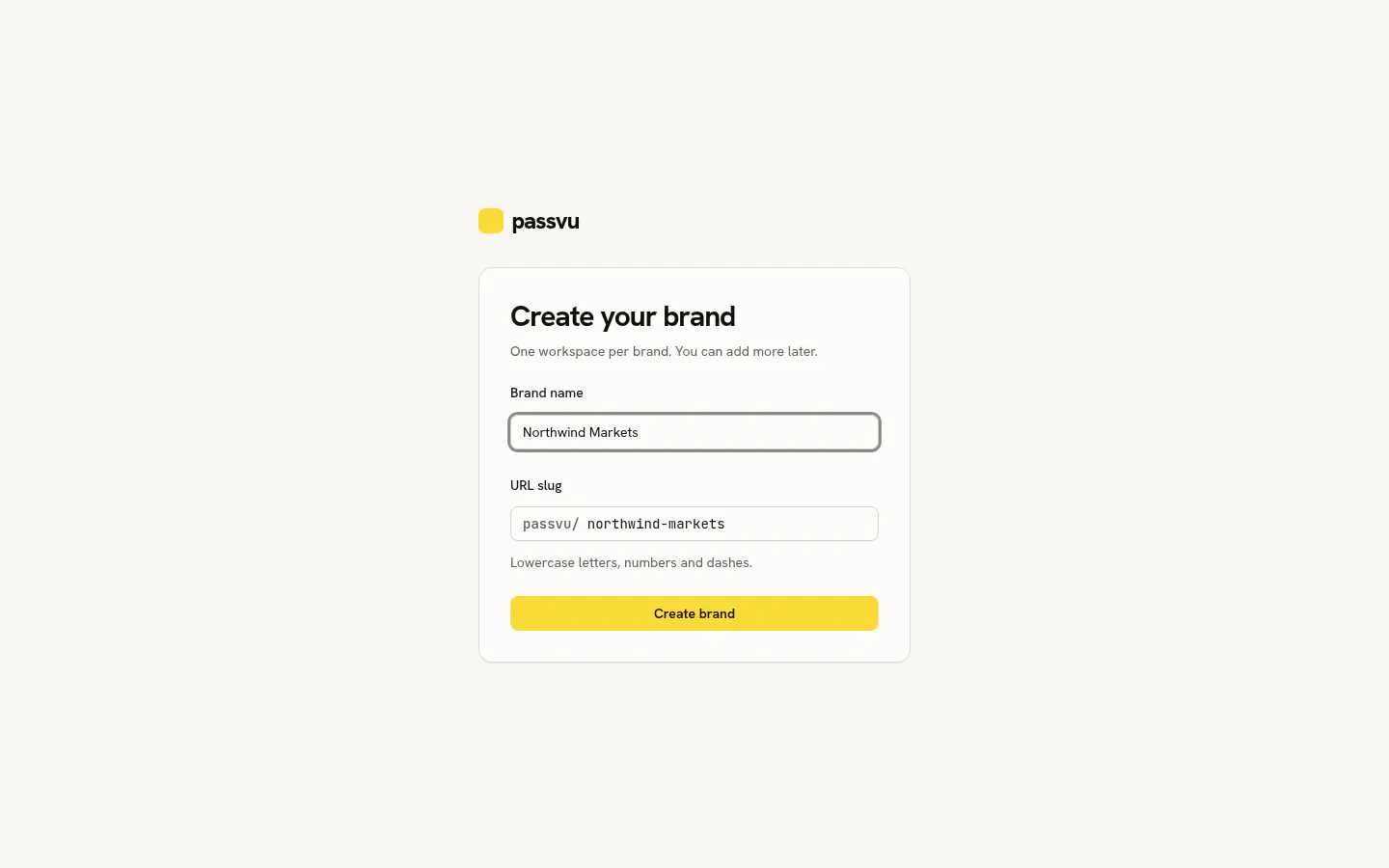
Sign up and name your brand
Create an account and type your brand name. Your 14-day free trial starts right away. No card needed.
Add your stores
Add a few stores to start. You can add the rest later. See Add regions and stores.
Build a checklist
Start from the ready-made retail checklist, or from scratch. See Build a checklist.
Schedule it
Pick the checklist, the stores and how often. See Schedule inspections.
Invite your store teams
Send each person an invite. Staff open Passvu on their phone and see today's inspections. See Invite your team.
Try it yourself first
You can take the photos too. Open Capture on your phone, follow the steps, and see the result appear under Inspections.
Last updated on