Schedule inspections
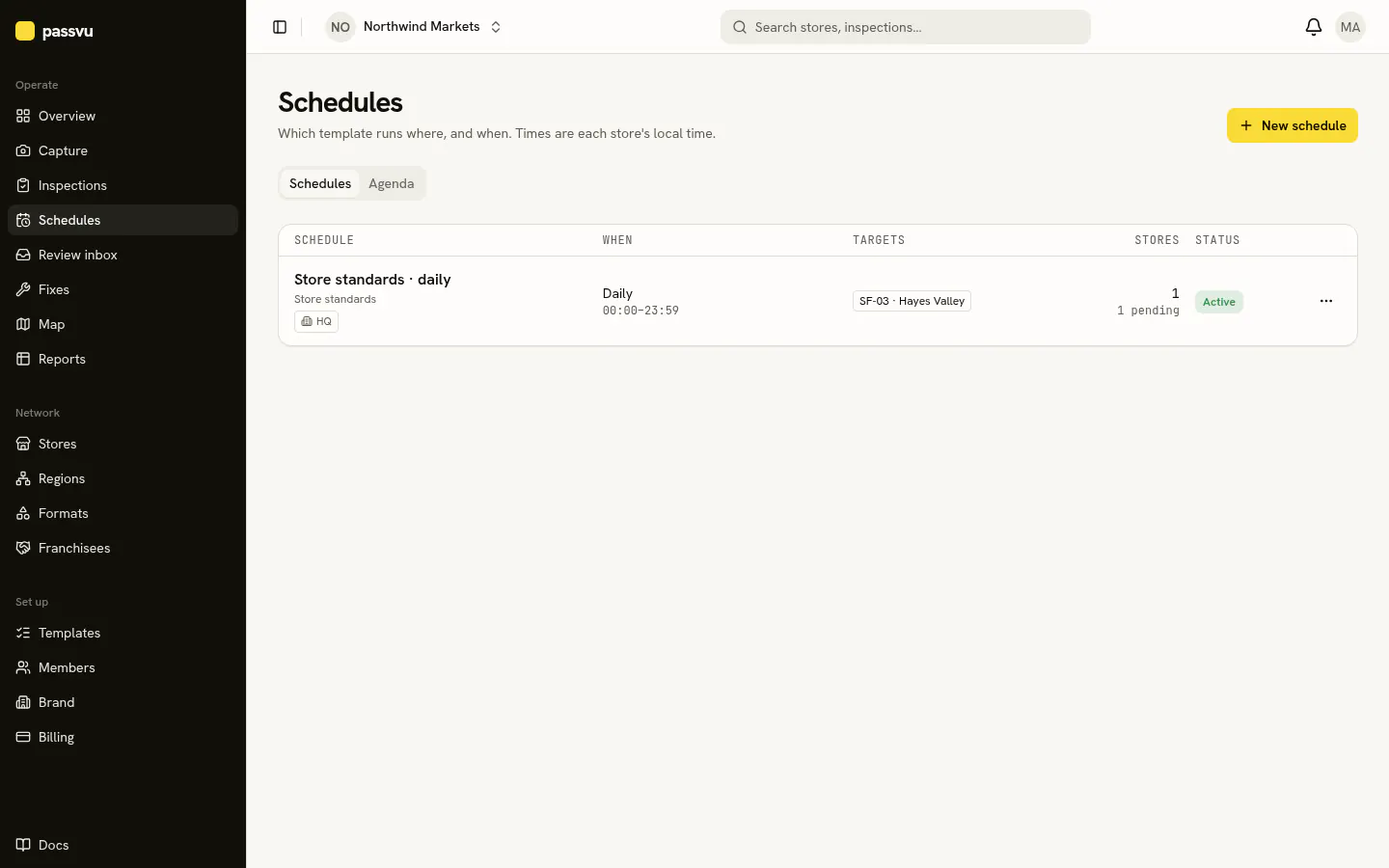
Choose the stores, how often, and the time window.
A schedule sends a checklist to stores on repeat. For example, a daily opening check and a weekly deep check.
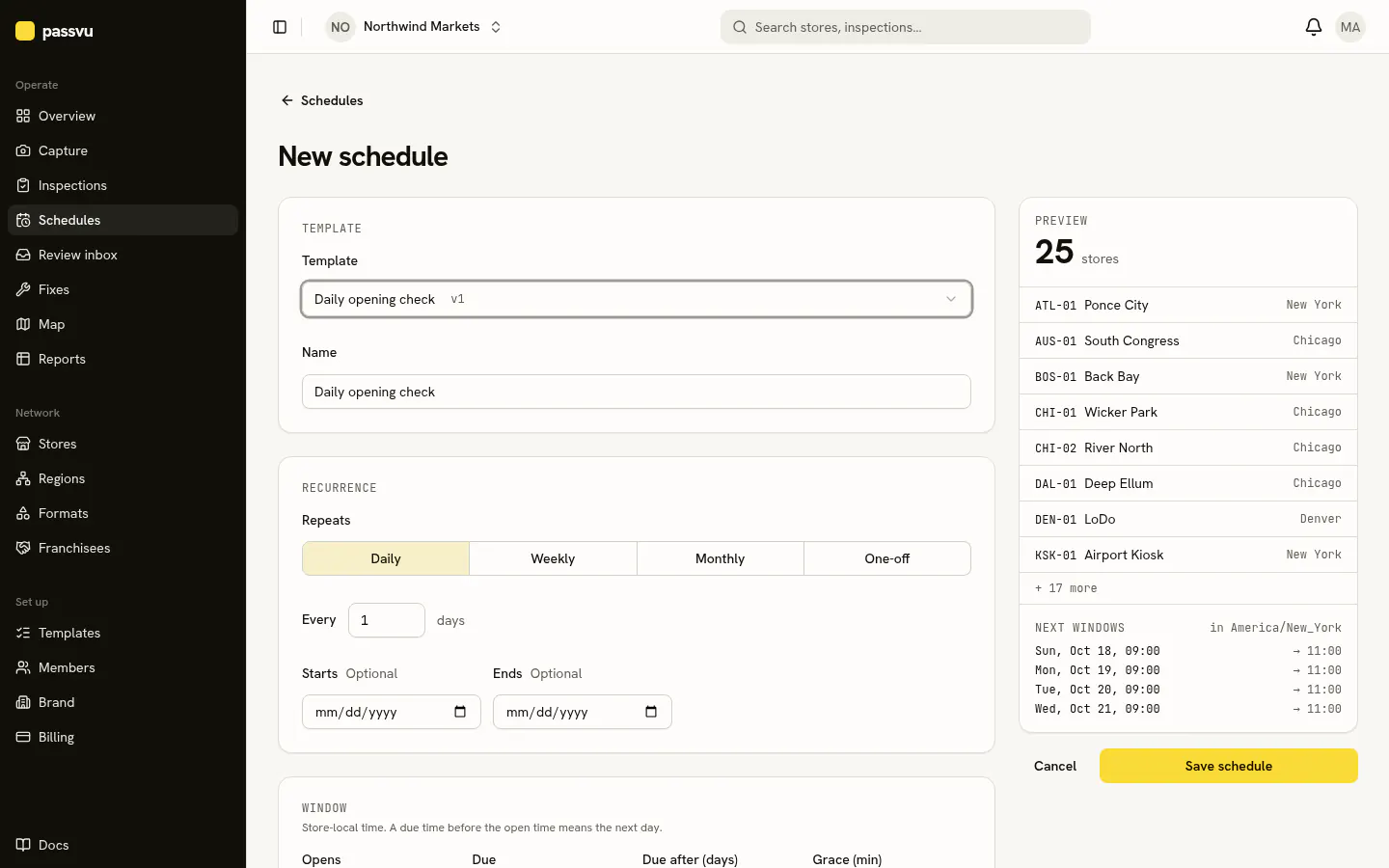
- 1Pick a published checklist
- 2Daily, weekly, monthly or once
- 3How many stores it will reach
- 4The next few dates
Go to Schedules → New schedule
Pick the checklist.
Pick the stores
All stores, a region, a store type, a franchisee, or single stores. New stores that match join automatically.
Pick how often
Every day, or every few days.
Set the time window
Choose when it opens and when it's due. Times are each store's local time.
Inspection status
| Status | Means |
|---|---|
| Scheduled | Not open yet |
| Open | Ready to do now |
| Overdue | Past due, still accepted for a short while |
| Missed | Not done in time |
Night shifts
A due time earlier than the open time means the next day. Open 22:00, due 06:00 covers the night.
Area managers and franchisees can add their own spot checks for their stores. Head-office schedules stay as they are.
Last updated on