Add regions and stores
Put your stores in Passvu, grouped the way your business works.
Regions
Regions group your stores. Use whatever you already use: West and East, or Country › State › District.
SF-01 · Mission St
SF-03 · Hayes Valley
SEA-01 · Capitol Hill
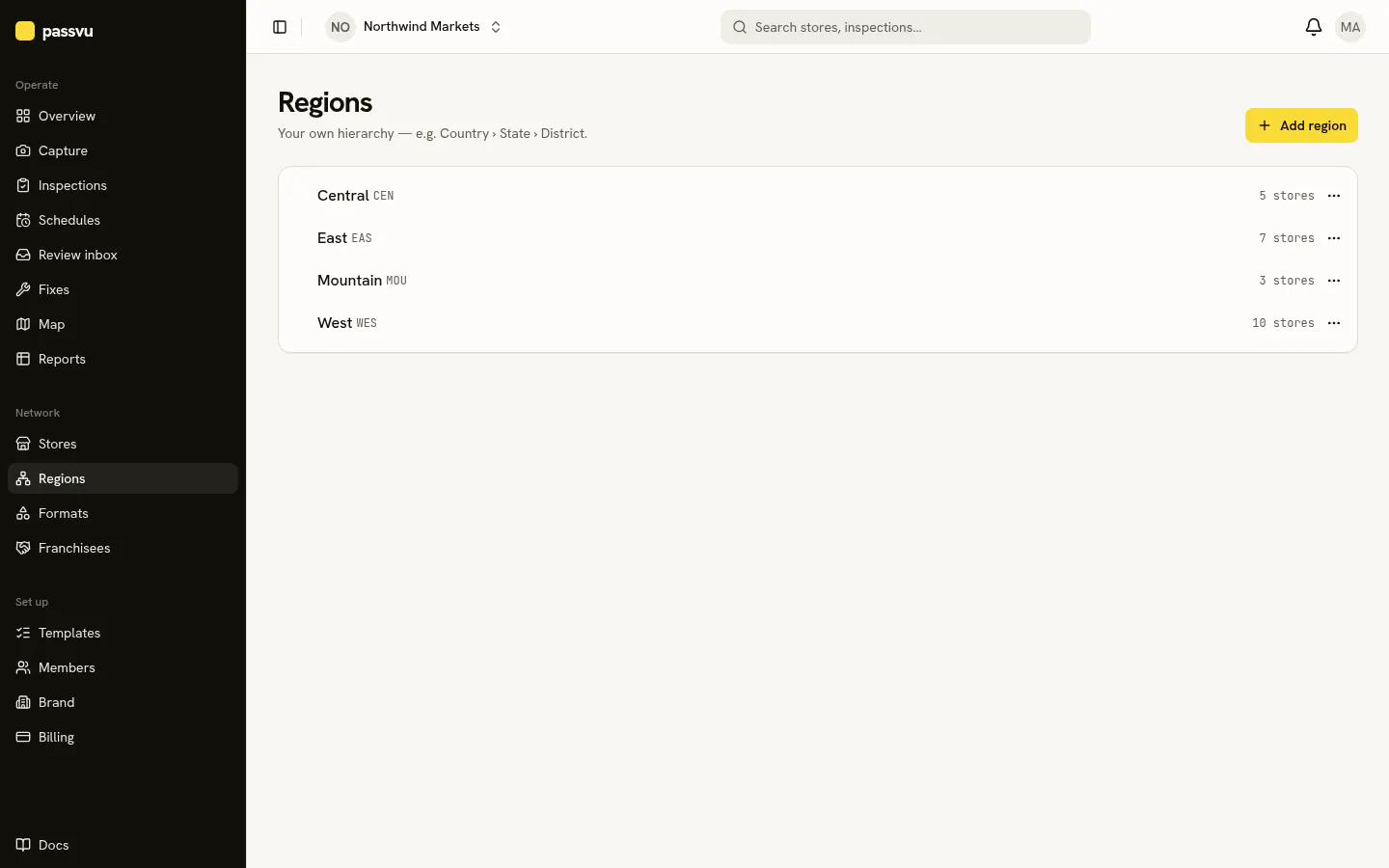
- 1Move a region. Its stores move with it.
- 2Add a top-level region
You can only delete an empty region. Move its stores out first.
Stores
Go to Stores → Add store. Give it a name, your store number and its region.
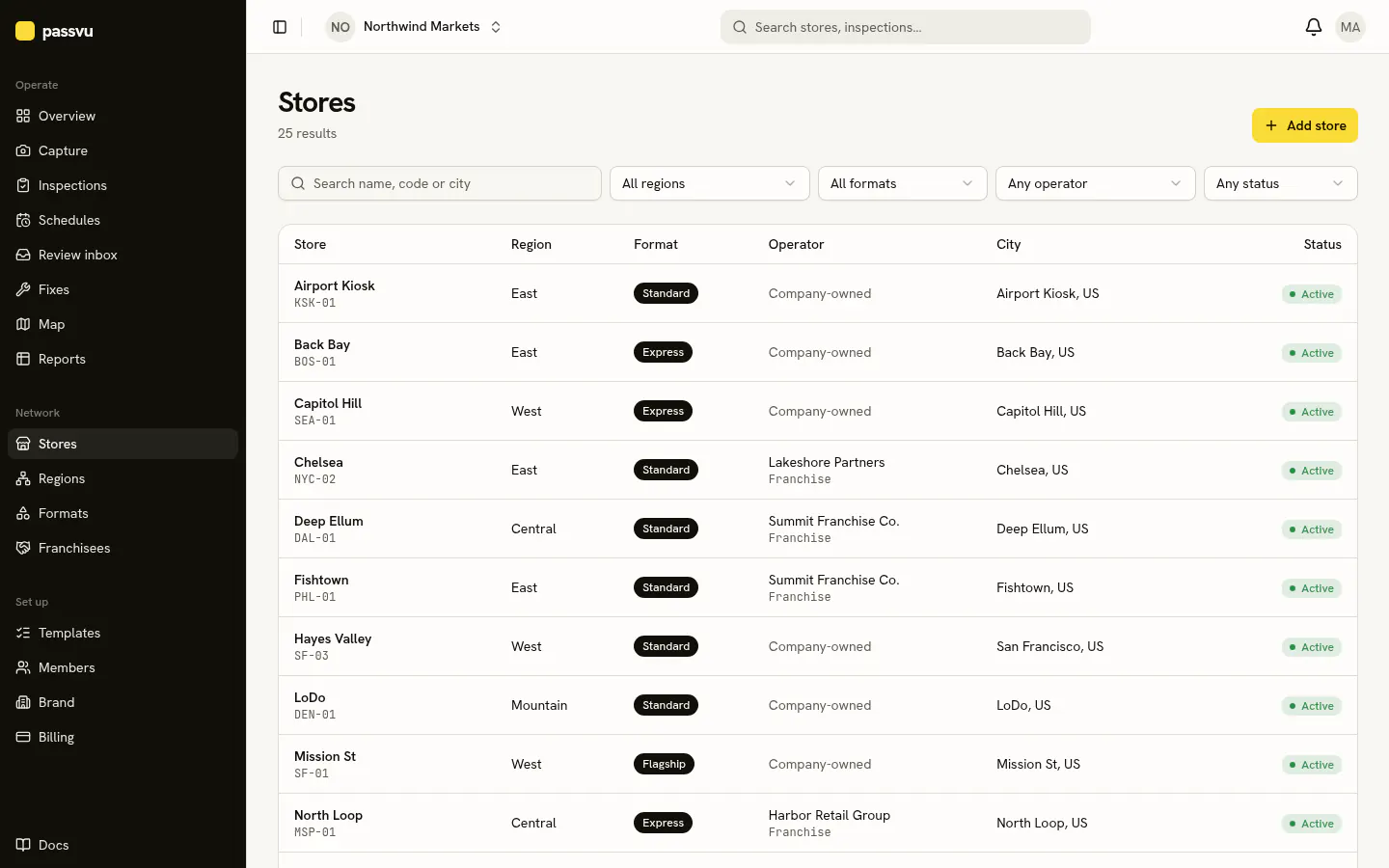
- 1Search by name, number or city
- 2Show company stores or one franchisee
- 3Open a store to see its history
Store types
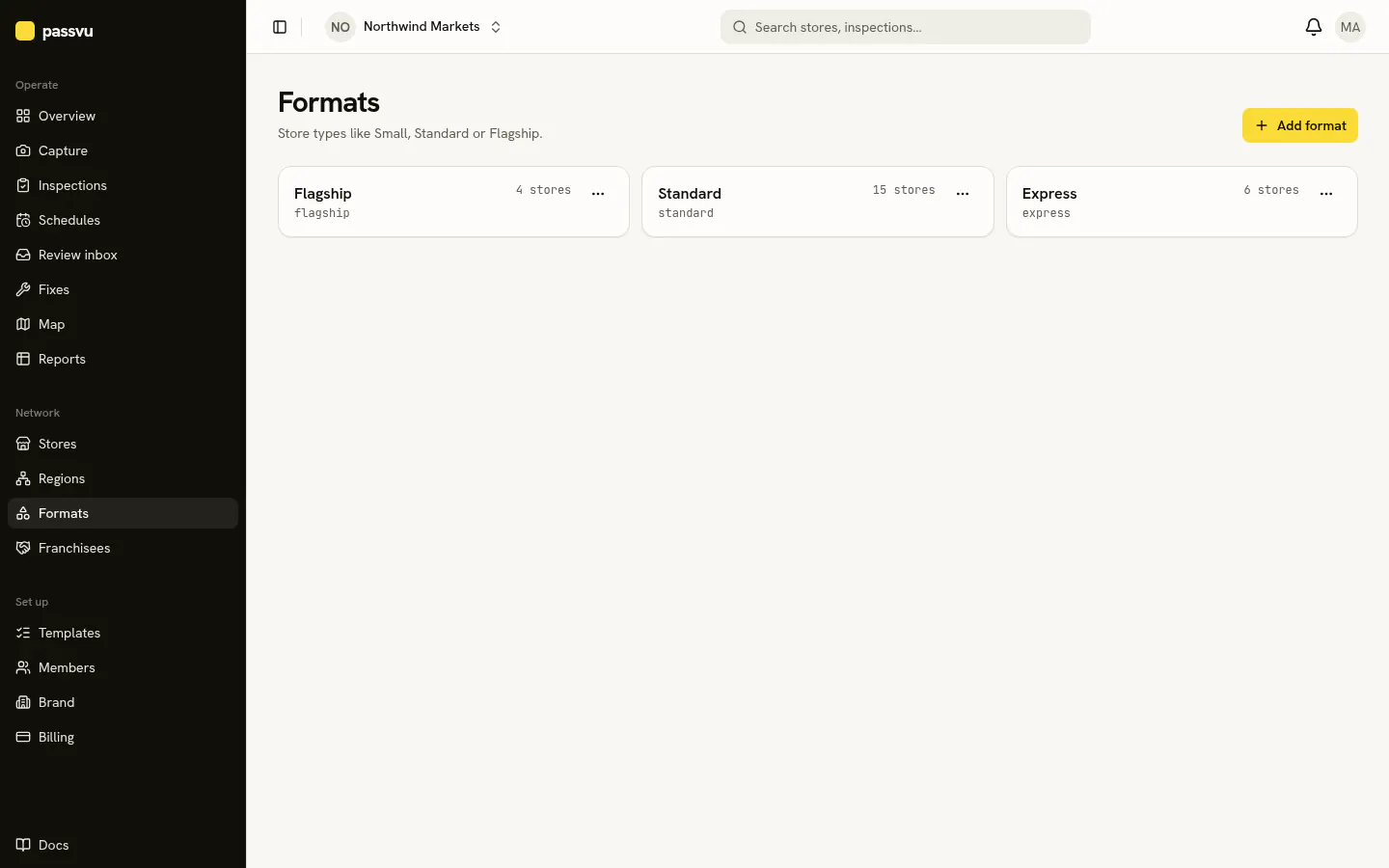
Under Formats, list your store types, like Express, Standard and Flagship. One checklist can then fit all of them: items for big stores won't show up in small ones.
Franchisees
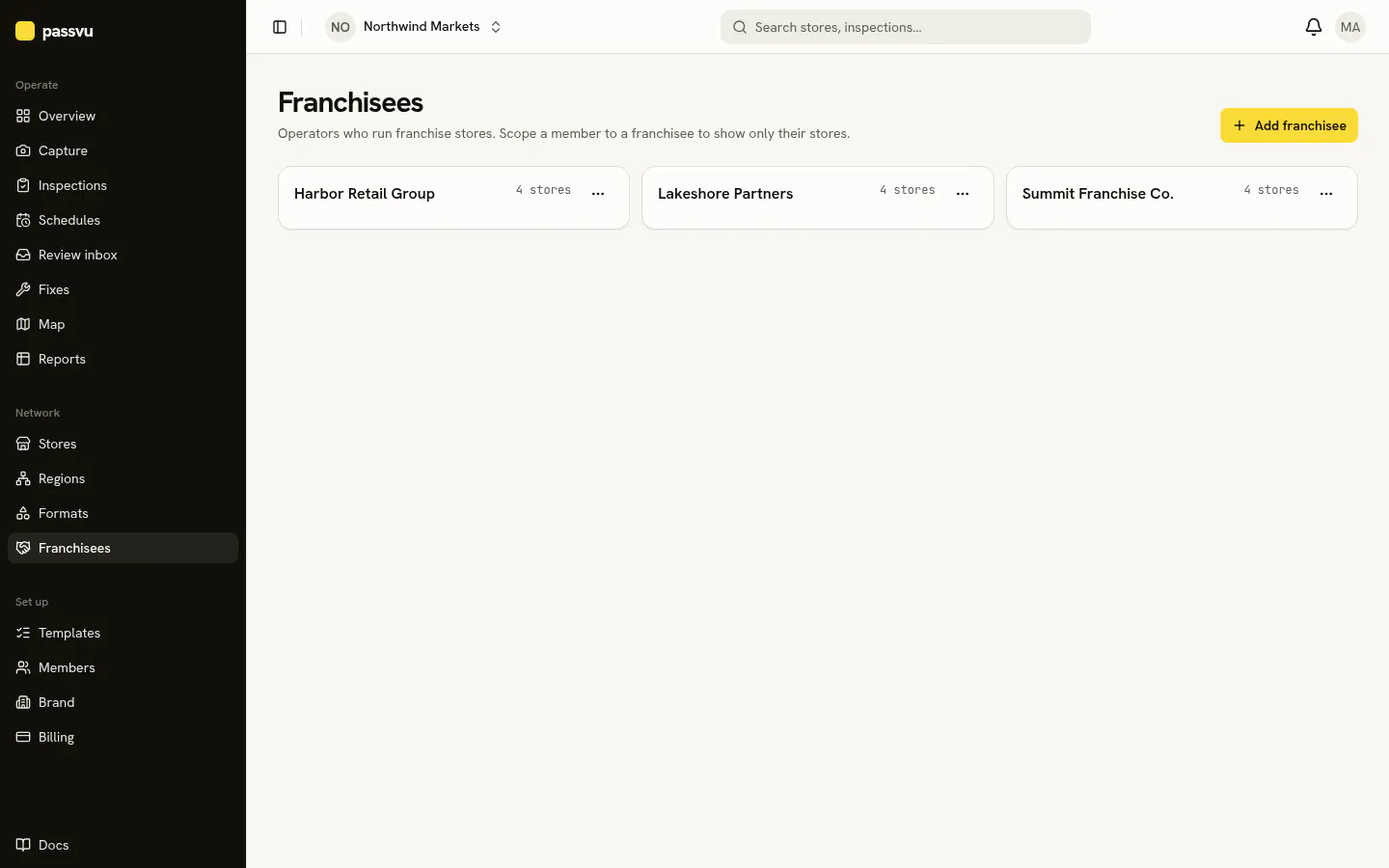
Under Franchisees, add each company that runs franchise stores for you. See Franchisee owners.
Last updated on